
Time = Money: Slow YouTubers To Infographics In 1 Min.
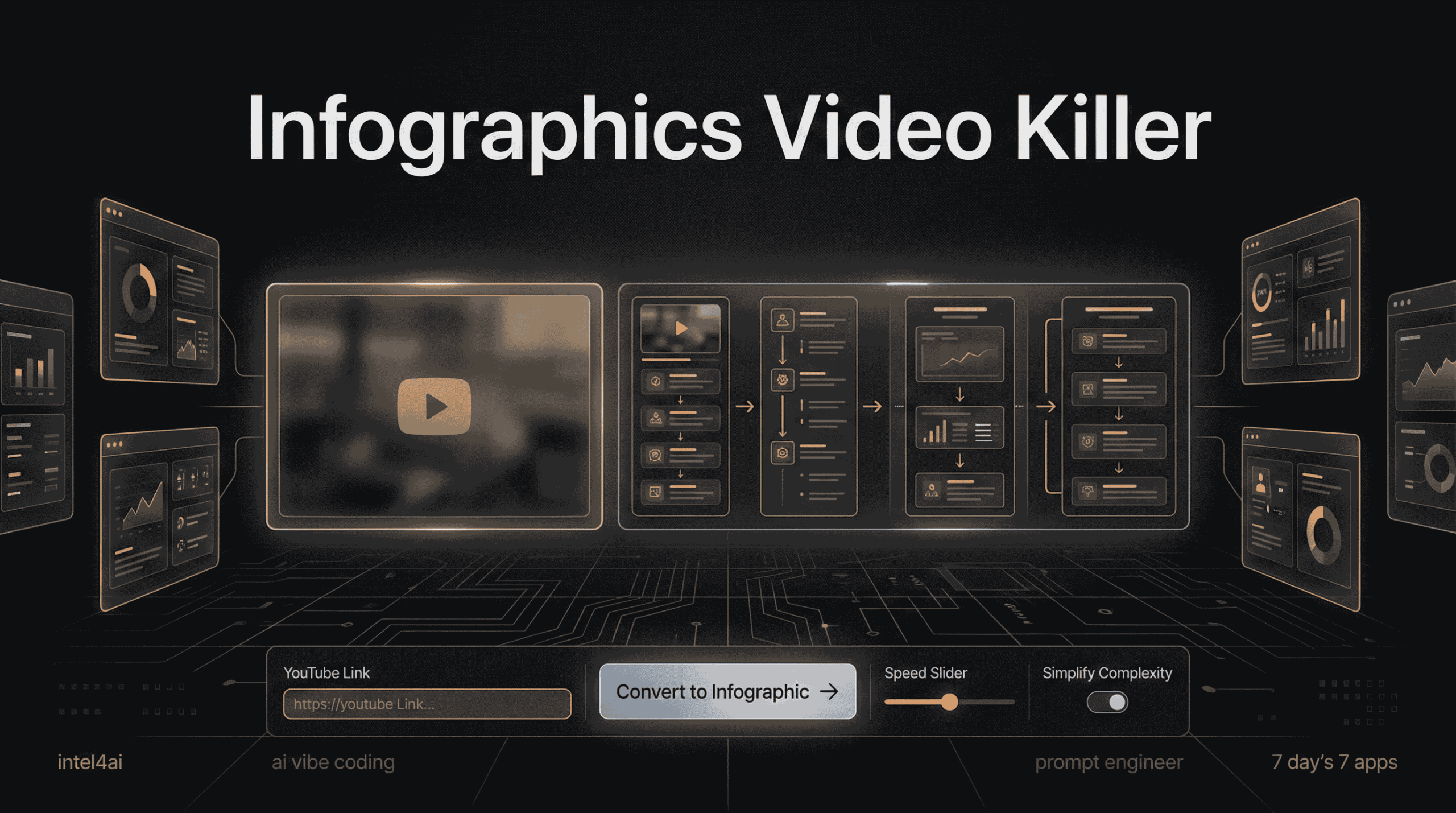

🎈 How and why i build Infographic Time Weapon X App
🚀 Conclusion (Read This First)
Here is the truth: You are drowning in content but starving for wisdom. In 2025, the “Infinite Workday” is real—we are bombarded with 15-minute videos that contain only 60 seconds of actual value. The old way of learning (watching tutorials at 2x speed or reading long transcripts) is broken. It burns you out and kills retention.
The Verdict: The future isn’t faster video watching; it’s Content Compression. By using tools like Infographic Time Weapon X, you can skip the fluff, ignore the “uhms,” and instantly get a visual map of the information. This isn’t just a time-saver; it is a survival tool for the modern digital age.
🛑 Stop Watching. Start Knowing.
🚀 Key Takeaways
- The “Bla Bla Bla” Factor: Most “How-To” videos on YouTube are 40% fluff (intros, promos, music).
- The Science of Speed: Reading text summaries is slow. The brain processes images 60,000x faster than text.
- The Developer’s Trap: “Tutorial Hell” is spending 20 minutes finding one line of Linux code in a video.
- The Solution: We need tools that don’t just “summarize” text but create Visual Infographics to match how our brains actually learn.

Infographic Time Weapon X: How to Turn 15-Minute Videos into 1-Minute Visuals
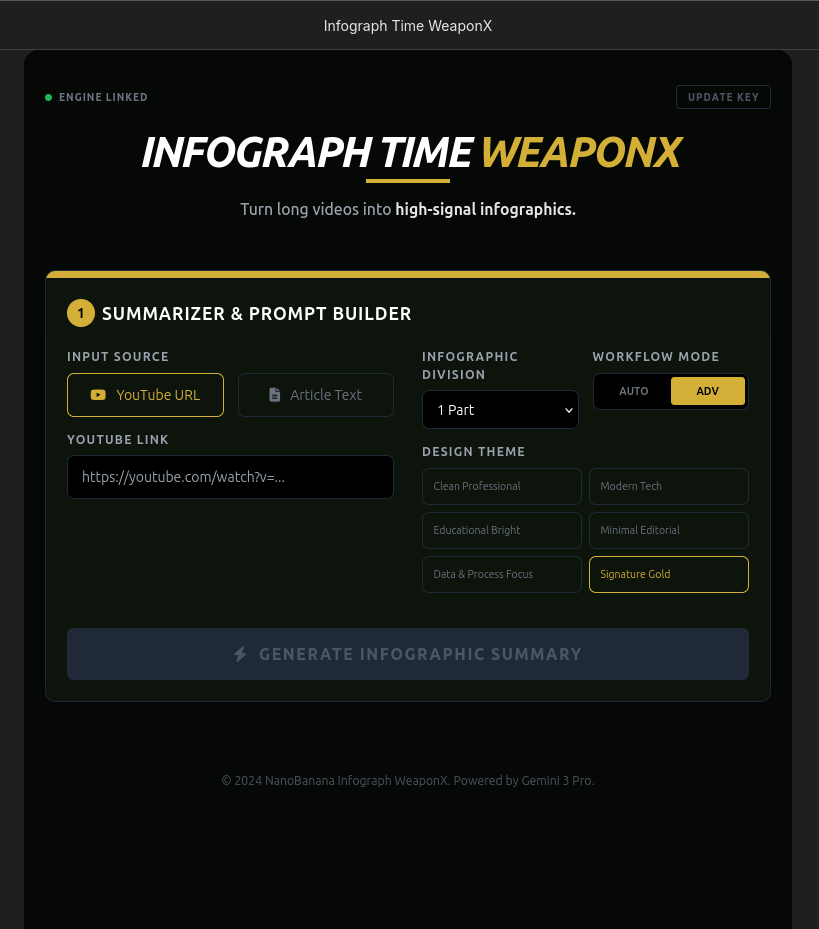
PART 1: The Crisis of Content
⏳ Escaping the Infinite Workday
We are living through a productivity crisis. According to the Microsoft 2023 Work Trend Index, the average employee now spends 57% of their time communicating (meetings, emails, chat) and only 43% creating. We call this the “Infinite Workday.”
We feel the need to consume everything—every industry update, every new coding tutorial, every market analysis. But there is a physical limit.
The “2x Speed” Myth
How many times have you clicked a YouTube video and immediately set the speed to 1.5x or 2x? We do this because we are desperate to find the “value” hidden inside the noise. But here is the catch:
- Audio at 2x speed increases cognitive load (brain stress).
- Retention drops because you are focusing on hearing the words rather than understanding the concept.
- You end up rewinding anyway, wasting the time you thought you saved.
🕸️ “Tutorial Hell” for Developers & Creators
If you are a developer using Linux (Ubuntu) or learning Python, you know this pain better than anyone. You search for “How to install LM Studio on Linux,” and you find a 12-minute video.
The Breakdown of a 12-Minute Tutorial:
- 0:00 – 1:30: “Hey guys, welcome back to the channel! Don’t forget to subscribe!” (Fluff)
- 1:30 – 3:00: “Today we are talking about AI…” (Generic Intro)
- 3:00 – 4:00: “Here is a word from our sponsor.” (Ad)
- 4:00 – 11:00: The Actual Content (mixed with “uhm,” typing mistakes, and pauses).
- 11:00 – 12:00: Outro.
You wasted 7 minutes just to find the 5 minutes of actual installation commands. This is “Tutorial Hell.” You aren’t learning; you are scrubbing through a video timeline hoping to get lucky.
📉 The Flaws of Current AI Summarizers
“But wait,” you ask, “Can’t I just use a standard AI summarizer?” You can, but most of them (like Notta, Eightify, or generic GPT wrappers) have a fatal flaw: They are Text-Based. When you dump a video into a standard summarizer, it gives you a wall of bullet points.
- Bullet points are boring.
- Bullet points lack context. If the video is showing a complex network setup or a marketing funnel, a list of text cannot explain the relationship between the parts.
- Text is slow. You still have to read it.
Comparison: Text vs. Visual
| Feature | Standard AI Summarizer (Text) | Visual Infographic (The Solution) |
|---|---|---|
| Format | List of bullet points | Flowcharts, diagrams, structured maps |
| Processing Speed | Slow (Must read line by line) | Instant (Brain sees the whole picture) |
| Context | Low (Disconnects ideas) | High (Shows connections visually) |
| Fluff Removal | Medium (Summarizes the fluff) | High (Deletes the fluff entirely) |
We need a tool that respects our biology. We are visual creatures. We don’t need shorter text; we need clearer pictures.
👉YouTube Video:

🛠️ Infographic Time Weapon X: The Future of Multimodal Content Compression
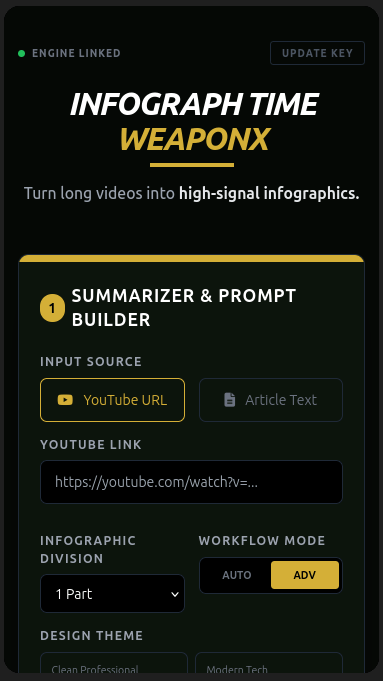
We know the problem: Information Overload. The solution is not to read faster; it is to see the information instantly.
Infographic Time Weapon X is not just another “summary tool.” It is a Multimodal Content Compressor.
How It Works (Under the Hood)
Unlike basic tools that just read the transcript (text-only), Weapon X leverages Google Gemini 3 and OpenAI to analyze the video like a human would:
- Multimodal Analysis: It “watches” the video pixels. It sees the code on the screen, the charts in the presentation, and the diagrams on the whiteboard.
- Semantic Fluff Filtering: It identifies non-essential audio (background music, “uhms,” slow intros) and cuts them before processing.
- Structured Visual Output: Instead of outputting a text block, it maps the data into a Visual Infographic.
🧠 The Science: Why Your Brain Craves Infographics
There is a biological reason why “Weapon X” feels faster.
- 13 Milliseconds: That is how fast the human brain can identify an image. (Source: MIT Study)
- 60,000x Faster: Visuals are processed 60,000 times faster than text.
- The VARK Model: Research shows ~65% of the population are Visual Learners. If you are giving them text summaries, you are failing 65% of your audience.
By converting a 15-minute video into a static image, you reduce Cognitive Load, allowing you to retain the logic of the content without the fatigue of the delivery.
⚡ Real-World Use Cases
1. The Developer (Linux/Ubuntu Power User)
- Scenario: You need to install NVIDIA Drivers on Ubuntu 24.04.
- Old Way: Watch a 20-minute video, pause every 10 seconds to type commands.
- Weapon X Way: Generate a Syntax Cheat Sheet. The infographic lists the 5 exact terminal commands in order. Time spent: 45 seconds.
2. The Executive
- Scenario: A competitor releases a 1-hour webinar on their new product strategy.
- Old Way: Ask an assistant to watch it and write a report (takes 1-2 days).
- Weapon X Way: Feed the URL to Weapon X. Get a SWOT Analysis Chart immediately. Time spent: 1 minute.
3. The Content Creator
- Scenario: You want to turn a viral “Health & Fitness” video into a Pinterest Pin.
- Old Way: Manually take screenshots and design in Canva.
- Weapon X Way: Auto-generate a “Top 5 Tips” infographic from the video. Time spent: Instant.
Real Example
Original YouTube video we used (12+ minutes):
https://www.youtube.com/watch?v=r_hA2aNoXWU
Instead of watching the full video, the system leverages existing high-quality written context as well.
Supporting reference content:
- Medium blog
- Intel4AI guide
By using video content or authoritative written sources, the output becomes both faster and more accurate.
Result
- Dramatic time savings
- Clean, professional infographic output
- Zero fluff
- Immediate value
This is not faster content consumption.
This is content compression done right.
Here the Blog/Article 2 info-graphics result:

Here is the Youtube Video 2 info-graphics result:

📊 Vital Business Data Table
| Feature | Infographic Time Weapon X | Standard Summarizers (Eightify/Notta) | Manual Watching (2x Speed) |
|---|---|---|---|
| Output Format | 🎨 Visual Infographic / Flowchart | 📄 Text Bullet Points / Transcript | 🧠 Mental Notes |
| Fluff Removal | High (Semantic Filtering) | Medium (Key point extraction) | Low (Manual skipping) |
| Retention Rate | High (Visual Memory) | Medium (Reading fatigue) | Low (Information Overload) |
| Time to Value | ⏱️ 60 Seconds | 2-3 Minutes (Reading) | 10-20 Minutes |
| Tech Stack | Gemini 3 + OpenAI (Multimodal) | Mostly GPT-4o (Text) | Human Brain |
📈 Key Performance Indicators for Business Owners
| KPI Metric | What It Measures | Target Goal |
|---|---|---|
| 1. Time-to-Insight | Time elapsed from finding a video to understanding the core concept. | Reduce from 15 mins to <1 min. |
| 2. Content Repurposing Rate | Number of assets (Pins, Posts, Tweets) generated from 1 source video. | Increase to 5+ assets per video. |
| 3. Fluff Reduction % | Percentage of non-informational audio removed (silence, fillers). | Aim for >40% reduction. |
| 4. Visual Retention Score | How much information is remembered 3 days after viewing the infographic vs video. | +40% improvement (Science based). |
| 5. API Cost Efficiency | Cost of OpenAI/Gemini tokens vs. Hourly wage of a human summarizer. | < $0.10 per summary vs $25/hr human. |
| 6. Social Shareability | Likelihood of the output being shared (Infographics get shared 3x more than text). | 300% increase in shares. |
| 7. Learning Velocity | Number of new technical concepts (e.g., Linux commands) mastered per week. | 2x increase. |
| 8. Onboarding Speed | Time required for new employees to watch training videos vs reading infographics. | 50% reduction in training hours. |
| 9. Decision Latency | Speed at which executives can make decisions based on video reports. | Instant (vs waiting for reports). |
| 10. Digital Hoarding Score | Reduction in “Watch Later” playlists piling up (Backlog clearance). | Clear 90% of backlog. |
❓ Frequently Asked Questions (FAQs)
Q1: Can AI really turn a video into an infographic?
Yes. By using Multimodal AI (like Gemini 3), the system analyzes visual frames and audio simultaneously to construct a structured visual map, not just a text summary.
Q2: Is watching at 2x speed bad for learning?
Research suggests yes. While you hear faster, your “cognitive load” spikes, reducing long-term retention. Visual summarization is scientifically superior for memory.
Q3: Does this work for coding tutorials?
Absolutely. This is the primary use case for “Weapon X.” It extracts code snippets and command lines from video pixels, saving you from “Tutorial Hell.”
Q4: How do I install this on Linux?
Weapon X is web-based, but you can run similar local agents using LM Studio on Ubuntu. Check the Intel4AI guide when the app is released for details.
Q5: Is this better than GPT-4o?
For video understanding, yes. Gemini’s native multimodal window allows it to process long videos (up to 1 hour) in a single pass with higher accuracy than standard GPT-4o wrappers.
Q6: Is it free to use?
The tool utilizes API keys (OpenAI/Google). While the code might be open (check GitHub when the app is released ), the processing costs depend on your API usage, though it is significantly cheaper than the time wasted watching fluff.
🔗 Resources & References
Relevant External Links :
- Microsoft’s 2024 Work Trend Index – Evidence for the “Infinite Workday” and digital burnout.
- Google Gemini Multimodal Capabilities – Technical documentation on how Gemini “sees” video.
- Cognitive Load Theory (Cambridge) – The science behind why visuals work better than text.
🔗 Relevant Internal Links (Intel4AI):
- Guide to Running Local LLMs on Linux – Build your own local AI stack.
- Inspiration – The source of inspiration.
Recommended YouTube Video:
How to Summarize YouTube Videos with Gemini
This video demonstrates the raw power of Gemini’s video analysis, which Weapon X automates into infographics.
🙏 Final Note
Thank you for reading.
Infographic Time Weapon X turns slow, bloated YouTube explainer videos and written articles into clean, one-minute infographic summaries. Built with OpenAI’s ChatGPT and Google Gemini 3, it removes fluff, extracts only what matters, and delivers instant visual clarity—so you get the value without wasting time. Time is the only asset you cannot buy back. By choosing to compress your content, you aren’t just saving minutes; you are respecting your own cognitive potential. Whether you are a developer fighting “Tutorial Hell” or an executive needing clarity, tools like Infographic Time Weapon X are your new advantage.
Stop watching. Start seeing.
Navigation 🧭 7-Day Challenge
Explore Apps
| App | Purpose |
|---|---|
| SuperCarMe | AI luxury visual generator |
| Infographics Video Killer | YouTube knowledge extraction |
| AI Assisted Shadertoy | Creative coding with AI |
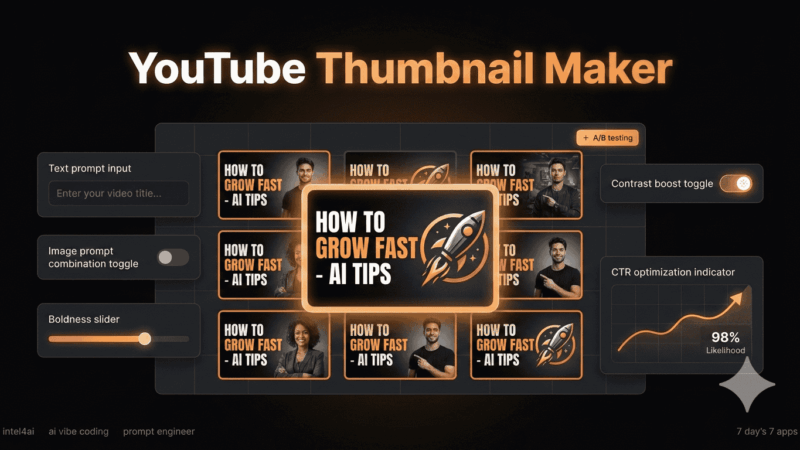
| YouTube Thumbnail Maker | AI thumbnail generation |
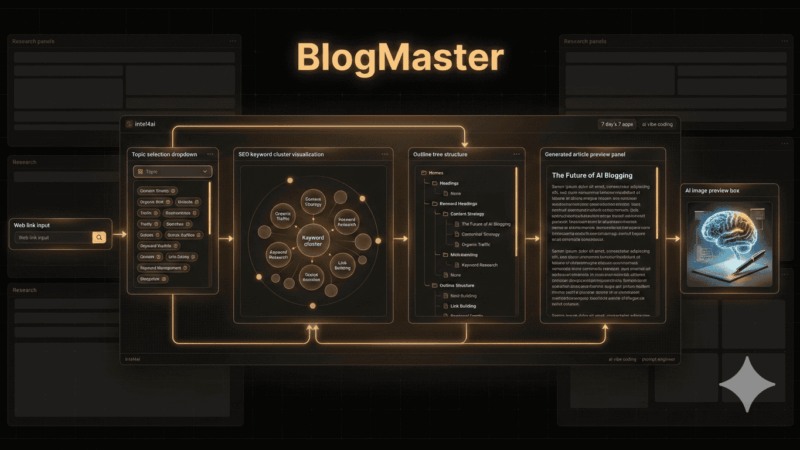
| BlogMaster | AI blog automation system |
| Color Book Genius | AI printable generator |
| Outreach Beast | AI lead generation automation |
⏹️ How To Get These Ai Apps Released For Free?
🛑 – Read about the ‘The GateKeeper‘
Affiliate Disclosure:
Disclosure: This post may or may not contain affiliate links. This means I may earn a commission or other value if you make a purchase through these links. Rest assured, this comes at no extra cost to you and helps support the content creation process. Thank you for your support!
🕶️ Article Word Cloud


Wow, incredible blog layout! How long have you been blogging for?
you make blogging look easy. The overall look of your website is great,
as well as the content!
Thank you very much — I truly appreciate the kind words.
It means a lot to hear that the layout and content resonate with readers. A great deal of time and careful iteration has gone into refining both the structure and the clarity of the posts, so your feedback is genuinely motivating.
I’ve been blogging for a few months now. The focus has been on building something that is not only visually clean and easy to navigate, but also practical and valuable in terms of content.
Thanks again for taking the time to leave a comment — it’s encouragement like this that makes the work worthwhile.